Home · Our Work

Our work.

A small, honest portfolio: websites and systems that exist and are in use. No invented clients, no borrowed case studies and no made-up numbers.

System · Our flagship platform

LaunchSession

  1. The problem

    Youth organisations, charities and sports clubs run on paper registers, consent forms in a filing cabinet and a spreadsheet only one person understands. Off-the-shelf software either costs more than their budget or assumes a way of working they don't have.

  2. What LaunchNexus built

    • Live registers and attendance tracking
    • Consent, medical and safeguarding records
    • Staff rotas and role-based permissions
    • Digital forms and parent registration
    • Payment tracking
    • Risk assessments and reporting
  3. How it works

    Each organisation gets its own branded space with only the parts it needs. Staff take the register on a phone at the door, and the safeguarding and consent records sit with the person they belong to.

  4. The result

    Running in production for organisations that depend on it every week — and the clearest proof that LaunchNexus builds, hosts and supports systems of this size.
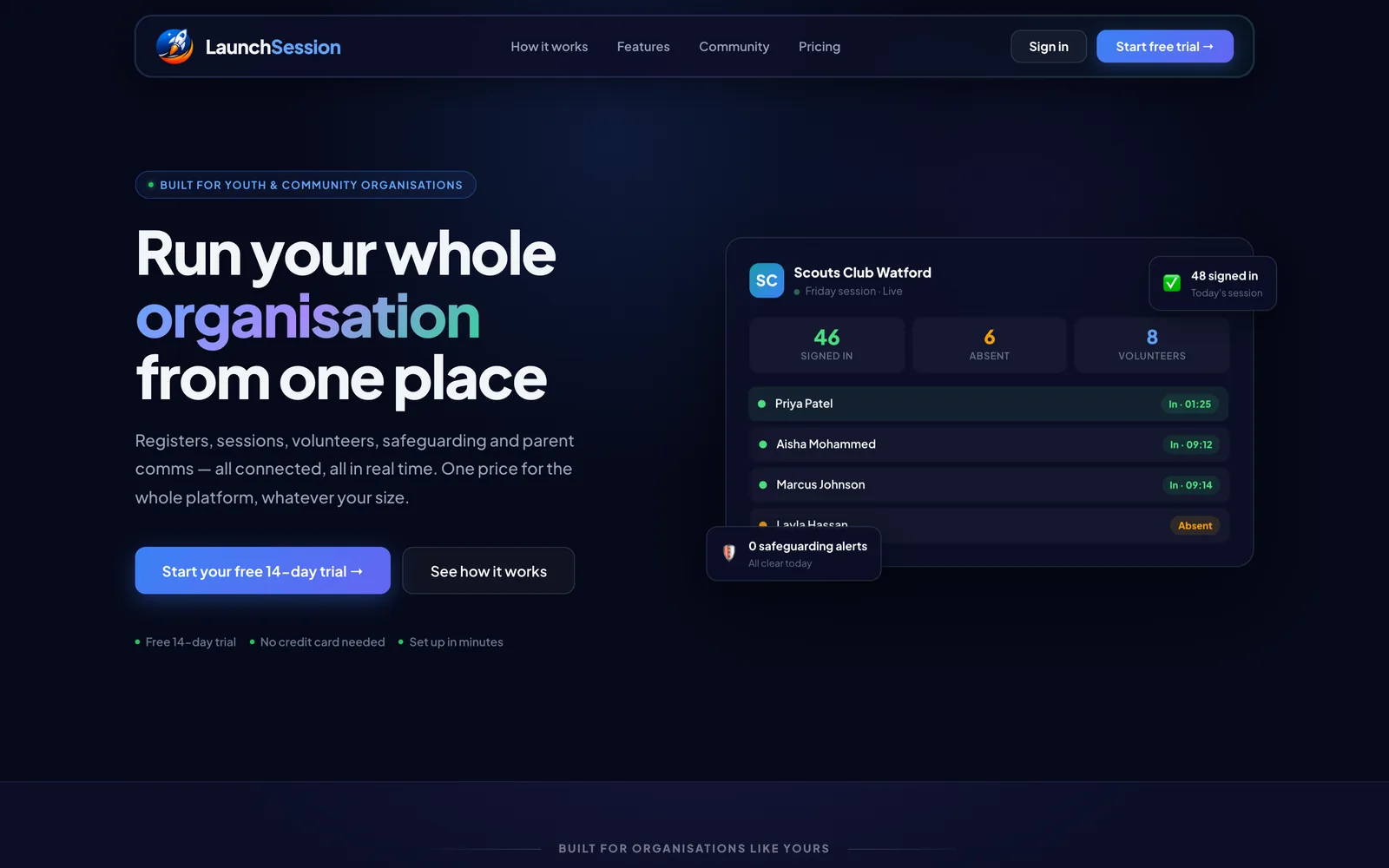
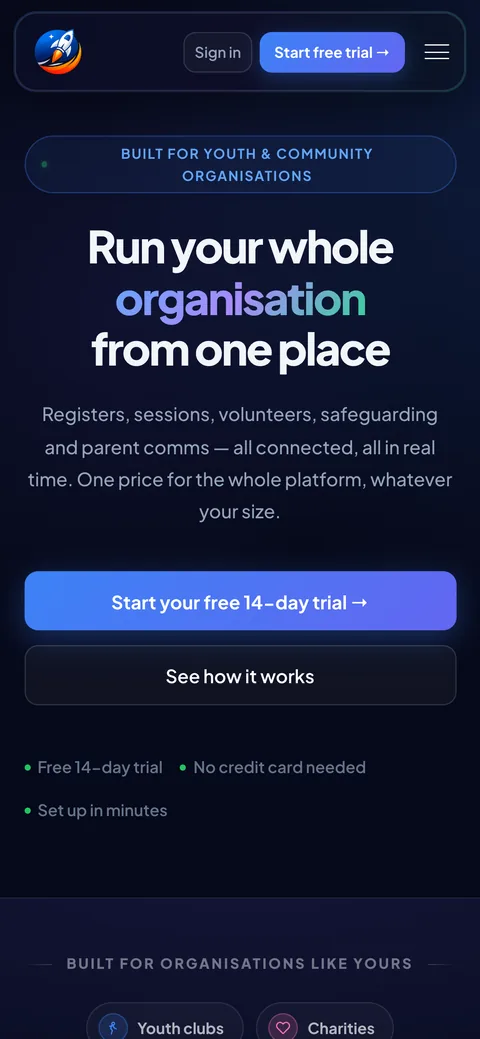
Visit LaunchSession (opens in a new tab)

The LaunchSession home page on desktop and phone
launchsession.co.uk, the live site
System · Charity operations

Charity operations platform

  1. The problem

    A London children's charity was taking attendance on paper, tracking payments in a spreadsheet and building the staff rota by hand each week — with the same names typed into three places.

  2. What LaunchNexus built

    • Live attendance register, usable on a phone
    • Payment tracking with outstanding balances
    • Staff rota and session planning
    • Historical registers and reporting
    • Archive with restore, so nothing is lost by accident
  3. How it works

    Designed around the order things actually happen on the day: open the session, take the register, see who still owes, and close up.

  4. The result

    Registers, payments and rotas in one system instead of paper, a spreadsheet and a weekly rota by hand.

Client name withheld for privacy. An illustration of the hub staff open each session — not a screenshot: the real one holds children's records, which never leave the system.

Website · Bookings

JMS VIP Services

  1. The problem

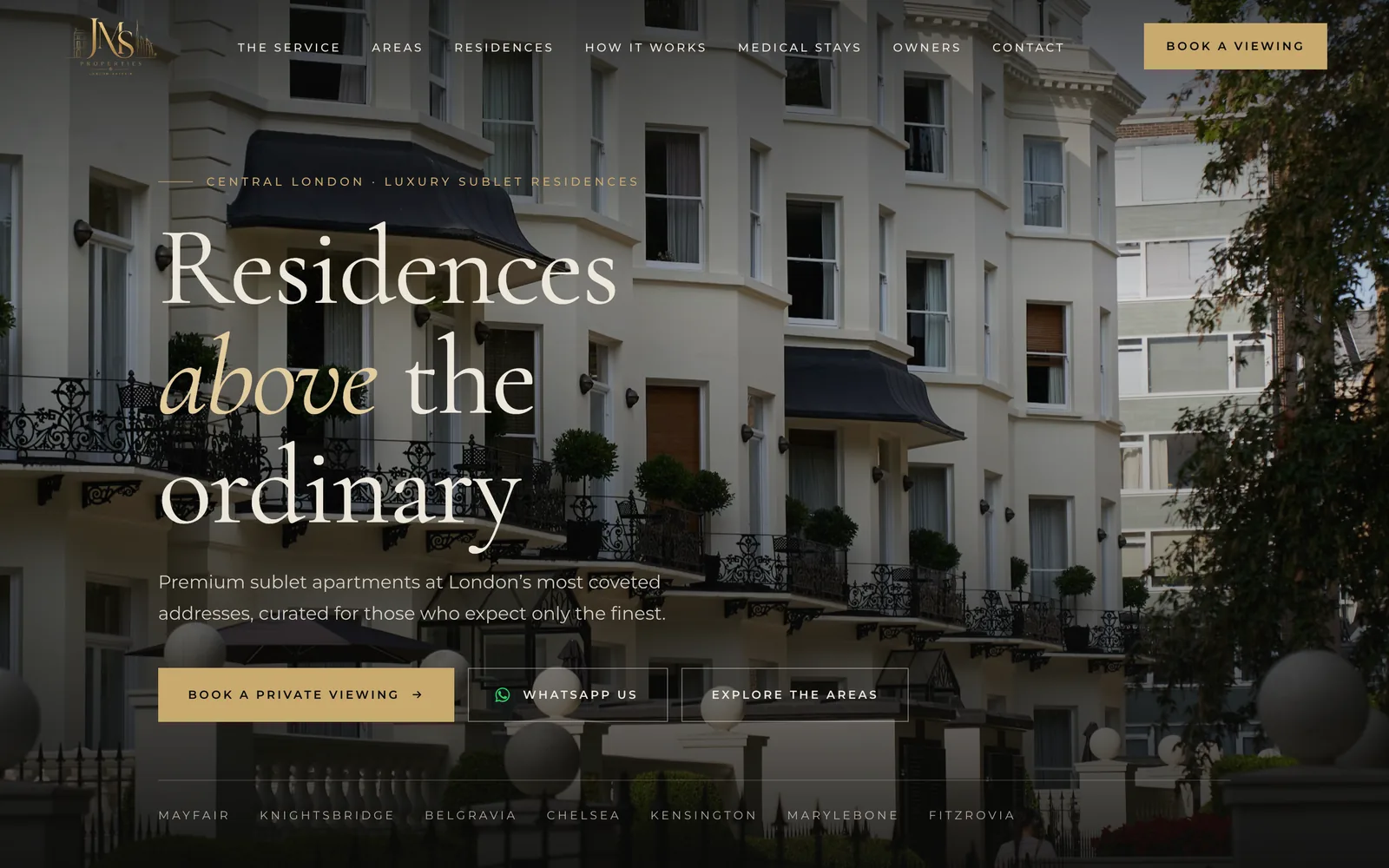
    A London serviced-apartment business needed a website to present its stays, take viewing requests and give returning members their own accounts.

  2. What LaunchNexus built

    • Property areas and viewing requests
    • Member accounts and booking history
    • Payments and enquiry handling
    • Installable as an app on any device
  3. How it works

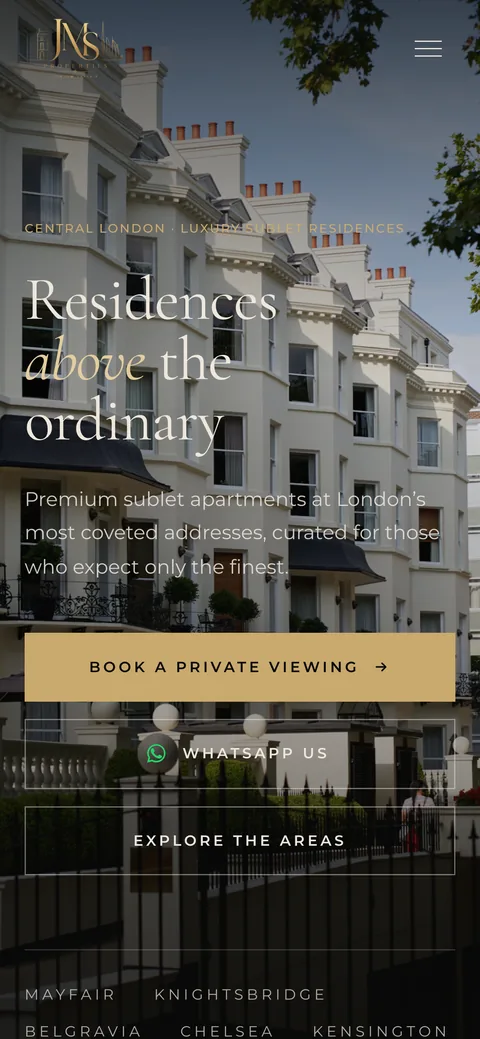
    Visitors browse by area and request a viewing in a couple of taps. Members sign in to see their bookings, and enquiries arrive in one place.

  4. The result

    A live website with viewing requests and member accounts, built and hosted by LaunchNexus.

Visit JMS VIP Services (opens in a new tab)

The JMS VIP Services home page on desktop and phone
jmsvip.com, the live site
System · Education

Revision Box

  1. The problem

    A GCSE student needed somewhere to revise on a phone, offline, with practice that showed which topics still needed work.

  2. What LaunchNexus built

    • Flashcards and timed practice
    • Progress tracking by topic
    • Works offline on a phone
  3. How it works

    Pick a subject, work through the cards, and see which topics still need practice. It works without a signal, so revision fits into a bus journey.

  4. The result

    Built for one student and then opened up to others.

Illustration of the app.

System · Health

Flowbook

  1. The problem

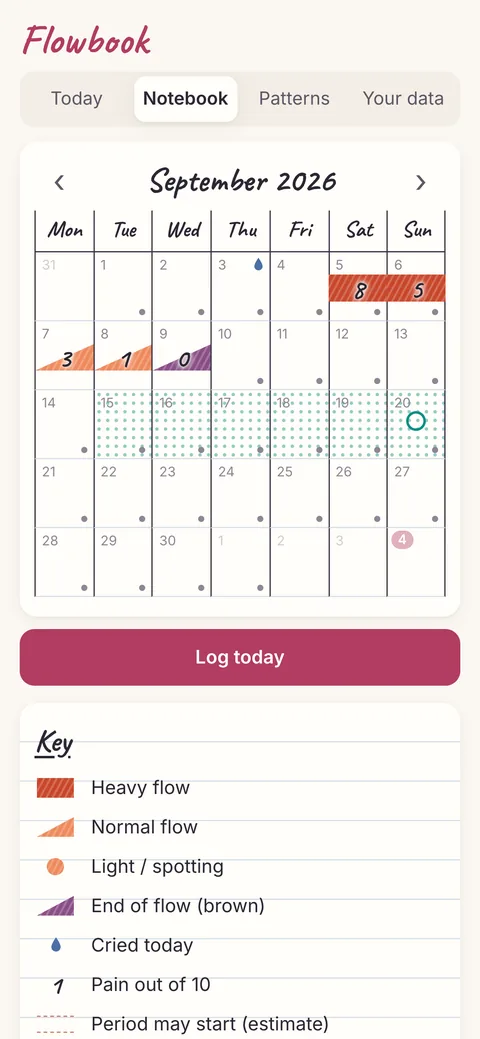
    One person was tracking their cycle in a paper notebook: a hand-drawn weekly grid, a coloured key for flow, a number for pain and a mark for the days they cried. It worked, but it could not show patterns across months, and the apps that could would keep very personal health records on someone else’s server.

  2. What LaunchNexus built

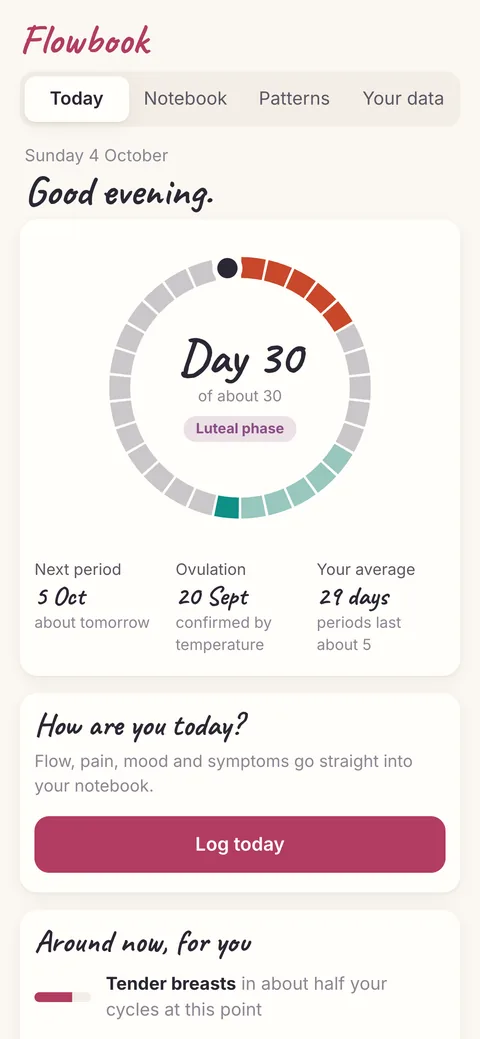
    • A Today snapshot: where you are in your cycle, what usually happens for you around now, and tips for the phase
    • The paper notebook, kept as the place everything is logged
    • Cycle estimates that learn from each period and show how accurate they have been
    • Pain, mood and symptom patterns by day of the cycle
    • Health notes checked against published medical guidance
    • A one-page summary to take to a GP
    • Works offline, with no account
  3. How it works

    Everything is stored on the phone itself: no account, no server and no tracking, and the page is locked so it cannot send data anywhere. Estimates start from published research on more than 600,000 cycles and become personal as history builds up. Anything worth raising is put as something to mention to a GP, with the guidance it comes from — never a diagnosis.

  4. The result

    Built for one person from their own notebook page, and installable on a phone like any other app. Nothing they log ever leaves the device.

Flowbook's Today screen: a ring showing day 30 of the cycle in the luteal phase, the next period, confirmed ovulation and a Log today button
Flowbook's notebook: a month of flow marks and pain scores, with the estimated fertile days dotted in

Screens from the live app, filled with invented sample data — never anyone’s real records.

Want something like this?

Start with the journey that fits — a website, a system, or looking after what you already have.